How to Connect Leni to Claude
How to Connect Leni to Claude
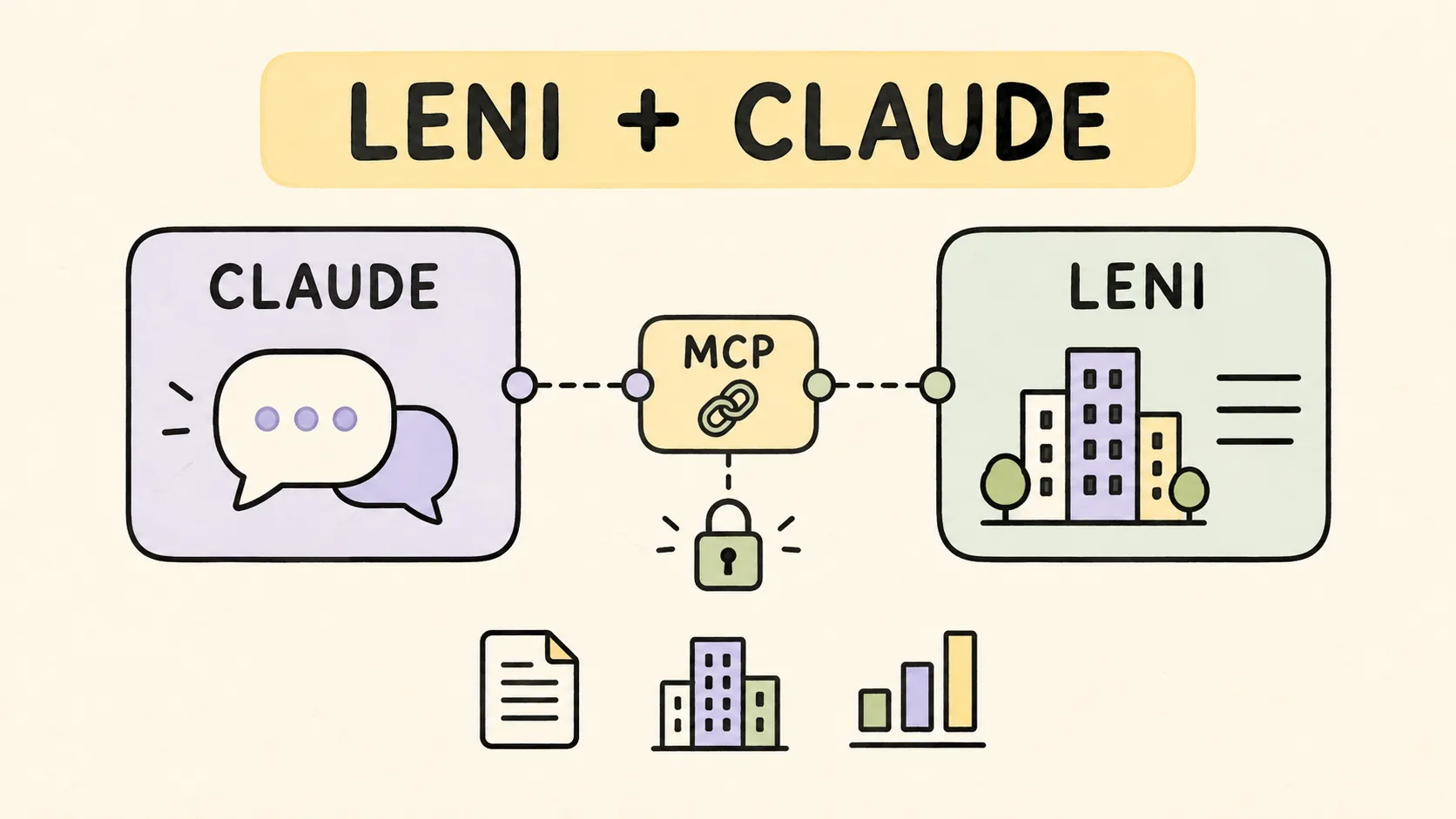
Leni connects to Claude as a custom connector, giving your Claude conversations direct access to your Leni context and data. This means you can ask Claude questions about your deals, properties, and portfolio and get answers grounded in the information already living in Leni. Setup takes just a few minutes and works even on a free Claude account.
How to connect Leni to Claude
Step 1: Open Connectors in Claude
In Claude, open Customize, then go to Connectors. This is where Claude manages every external tool and data source it can reach into during a conversation.

Step 2: Add a custom connector
Click Add, then Add custom connector. Claude will ask for a name and a URL for the connector you want to add.

Step 3: Name it and paste the Leni URL
Name the connector Leni and paste the following URL:
https://mcp.leni.co/mcp

Step 4: Continue with OAuth
Claude will detect the OAuth settings automatically. Continue with the detected settings and add the connector.

Step 5: Connect and sign in
Click Connect and sign in to your Leni account when prompted. Claude will review context and memory from Leni before answering questions, so make sure you are signing in with the Leni account tied to the properties and deals you want to work with.

Step 6: Confirm it is connected
Once authenticated, Leni should appear under Connected in Claude. Claude will review context and memory from Leni before answering, so it can bring your data into the conversation whenever it is relevant.


A note on Claude Team and Enterprise workspaces
If you are using a Claude Team or Enterprise workspace, your organization may need an Owner to add the custom connector first. Once added, connecting Claude to Leni works through the organization and the properties your Leni account is authorized to access.
Works on the free plan too
You do not need a paid Claude subscription to do any of this. This setup works from a free Claude account, so any team member can connect Leni and start asking Claude questions about their portfolio right away.
So let's dive in
Once connected, try asking Claude about a specific deal, a property's performance, or a question about your portfolio, and it will pull directly from your Leni context to answer.
Other setup guides
Using ChatGPT? Follow the Leni setup guide for ChatGPT.

Gaurav Madani
Revenue leader and co-founder with sales and go-to-market background; MBA (Schulich). Earlier roles include Zomato and strategy/communications positions.

Curious About AI?
Join the largest AI community for real estate online. Get bite-sized, real-world use case videos, plus practical tips and proven strategies from top industry experts on adopting AI effectively.
MEET LENI
AI SuperAgent Purpose Built for Investors and Operators.
Experience how professionals and teams in your domain are getting the edge using AI.